
Industry sound with a single click.
Mvox gives you the precision to treat your vocal, shape your sound, and make them stand out — all it takes is a click.
One-time purchase. No subscription. Windows & macOS — VST3 and AU.
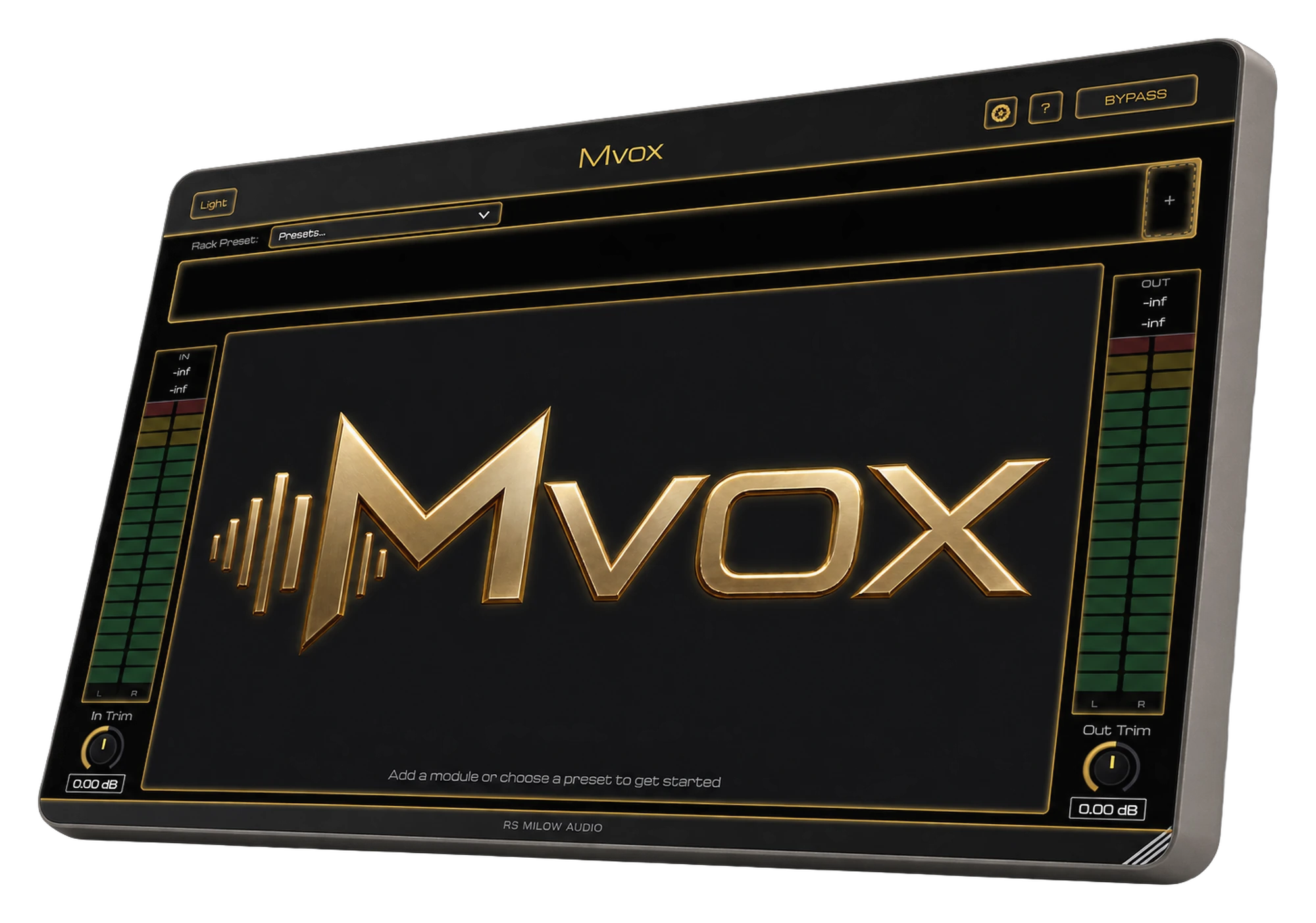
Everything a vocal needs in one place.
Ten modules, one rack. Build your chain your way, or use each module on its own. Mvox gives you everything you need to shape your vocal without getting in the way.
Built so a great vocal doesn't require a mixing engineer.
Mvox exists because getting a professional vocal sound was taking people way longer than it should. Everything about it is built around getting you there fast.
A preset for almost anything
Every module ships with a deep library of presets, tuned against real RS Milow vocal chains — start from something that already sounds finished, then adjust to taste.
Save it, share it
Dial in your own sound and save it as a preset of your own — export it and hand it to a bandmate, a client, or anyone else running Mvox.
An interface that stays out of your way
Plain-language controls, sensible defaults, and a layout built for people mixing their own vocals — not just people who do this for a living.
Host your own plugin inside the rack
An open slot in the rack can load your own third-party VST3 or AU — your own autotune, your own saturator — right alongside Mvox's own modules.
One price. You own it.
No subscription, no activation limit headaches — buy once, it's yours.
Mvox — Full Suite
All ten modules in one rack, plus every standalone plugin below, included.
- The full 10-module vocal chain
- All ten standalone mini-plugins
- Host your own plugin in an open slot
- Free updates for this major version
Windows may show an "unrecognized app" prompt on first install — that's normal for newly released software. Click More info, then Run anyway to continue.
On macOS, right-click (or Control-click) the installer and choose Open, then confirm Open again — if that option isn't there, go to System Settings → Privacy & Security, scroll down, and click Open Anyway.
Plugin shows up in your DAW's scan as "error" or "failed to load" on Windows? That almost always means a missing system component. Install the Microsoft Visual C++ Redistributable (official Microsoft download) and rescan your plugins.
A few things worth knowing before you buy.
What formats does Mvox ship in?
VST3 on Windows and macOS, AU on macOS. Every standalone module ships in the same formats as the full suite.
Is this a subscription?
No. Every purchase — the full suite or a single module — is a one-time payment. You keep the license and the installer.
Can I upgrade from a single module to the full suite later?
Yes — buy the full suite while signed into the same account and whatever you already paid for individual modules is automatically deducted at checkout.
How do I get support?
Use the contact form — it goes straight to RS Milow Audio.